99.9% of the time, switching CRMs is a huge headache.
Transitioning customer data, setting up new processes, and then training employees can be a process that takes weeks for any-sized home improvement business.
Don't let this scare you away, though. If changing your CRM can cause less headaches in the future, give your team the tools they need, and set your business up for future success, then it’s worth it.
The first thing to ask your team is, why switch? We’ve laid out some of the biggest reasons to consider changing CRMs.
Missing Features
If your CRM is missing something small, it may be worth reaching out to your success manager to see if they can build what you need. But if you find your CRM is missing a lot of things your team needs or wants, it may be time to look elsewhere.
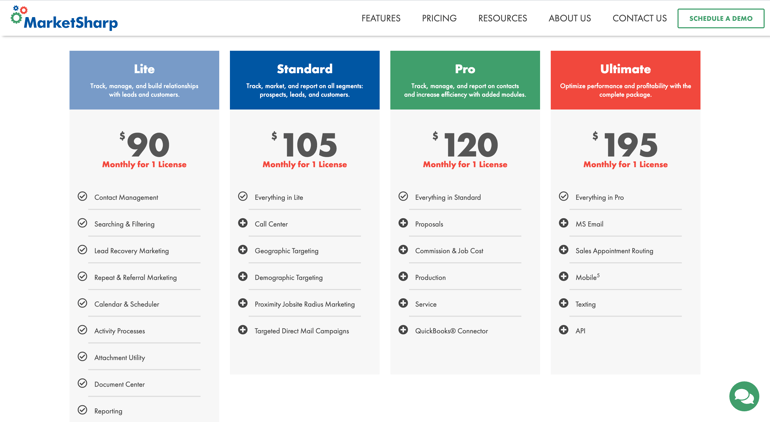
Here's some things you should look for in your CRM:
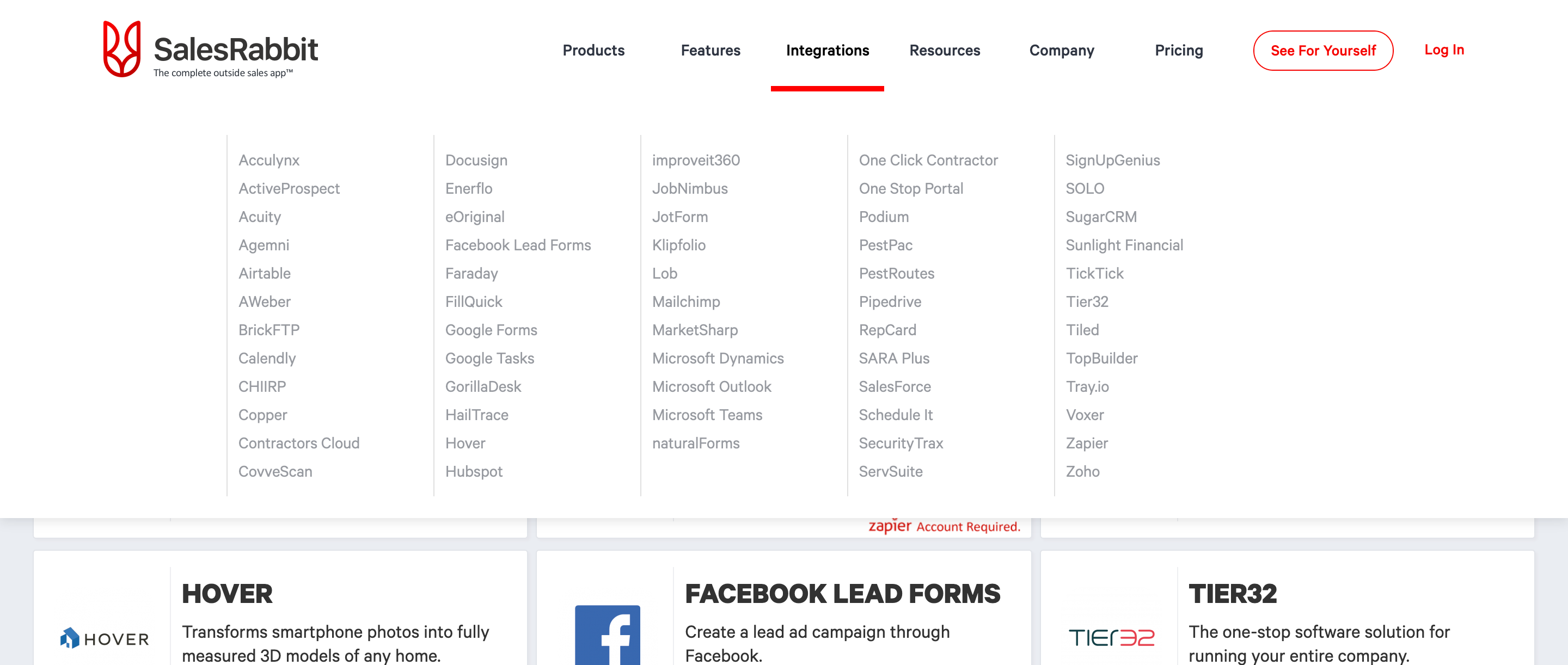
- App Marketplace - Allows you connect to other products
- Appointment Information - Keep track of individual multiple opportunities or appointments for a specific customer
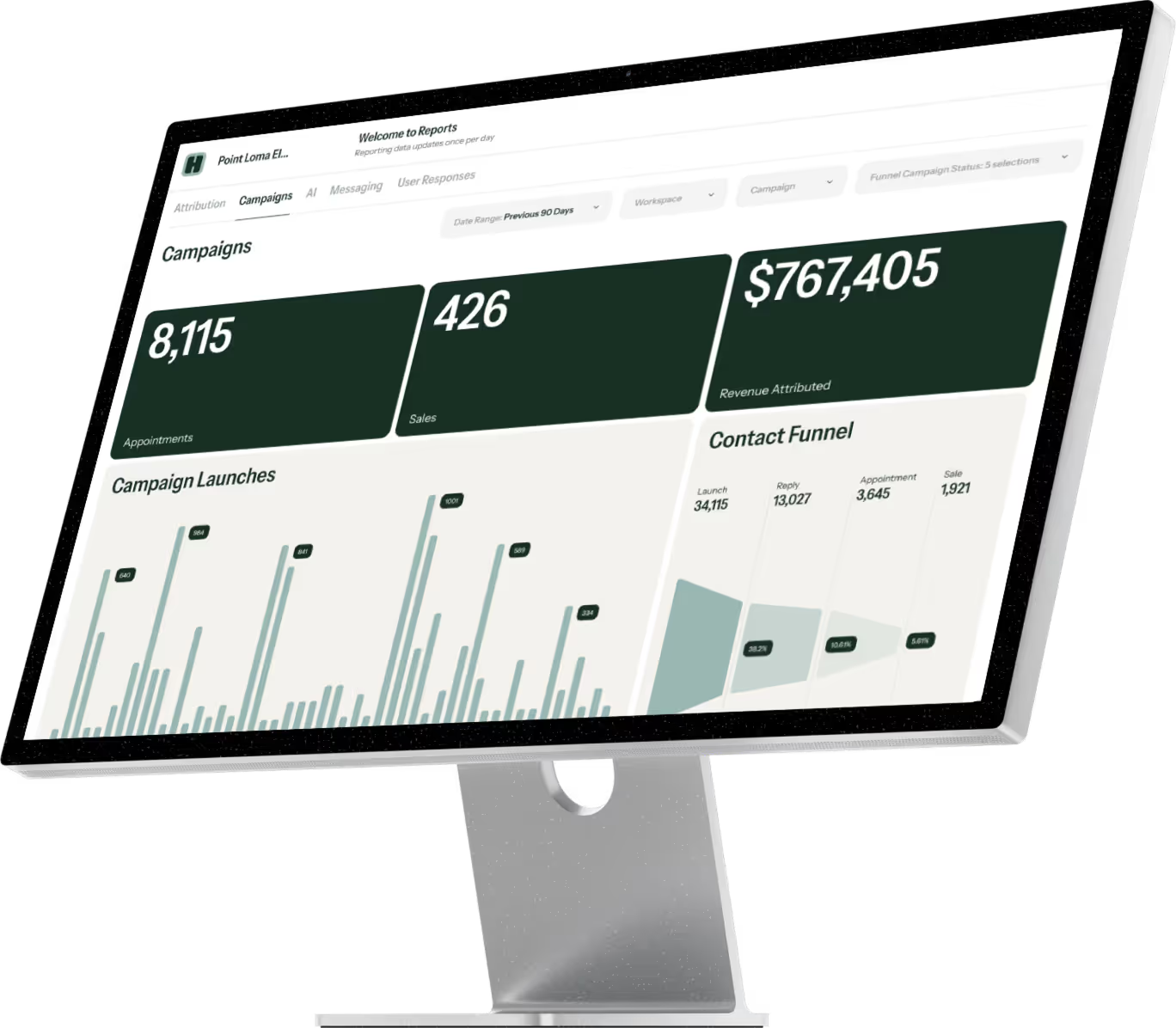
- Reporting - See how contacts are moving through your sales funnel, know exactly how much is in your pipeline
- Ability to Text, Email, or Call Customers - Communicating with customers in a central location can keep your team organized
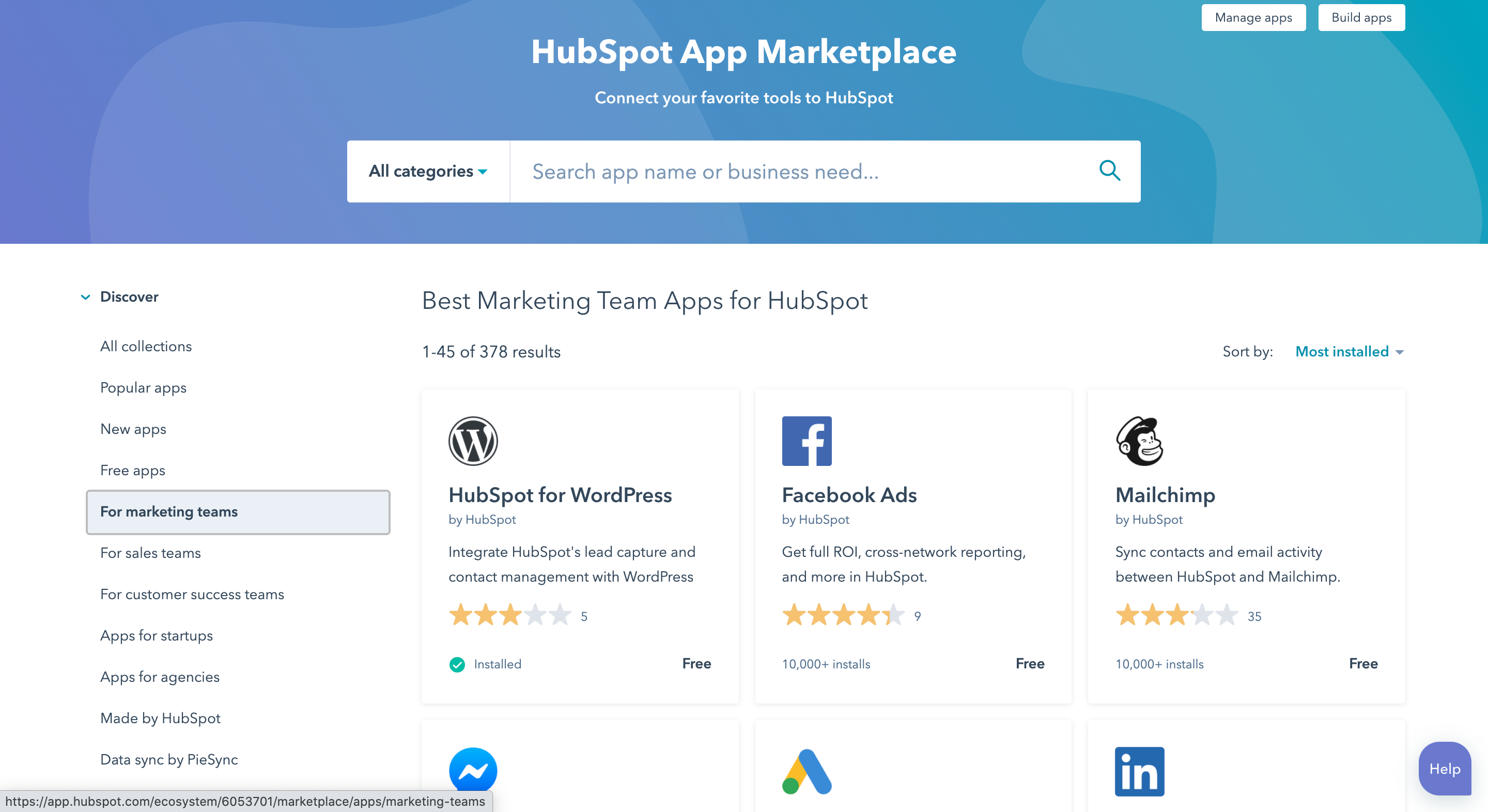
Hubspot's App Marketplace allows teams to easily get their sales and marketing ecosystem set up. From here, Hubspot users can add things like Lead Sources, Email Marketing Platforms, and more.
User Friendly
Sometimes it doesn’t matter how many add-ons a CRM has. If your team has trouble using the platform due to unnecessary complexity, then all those nice features are useless.
This can be evident if your team is struggling to adopt the CRM or they need continuous training. When evaluating CRMs, think about how your employees or team will interact with it day in and day out.
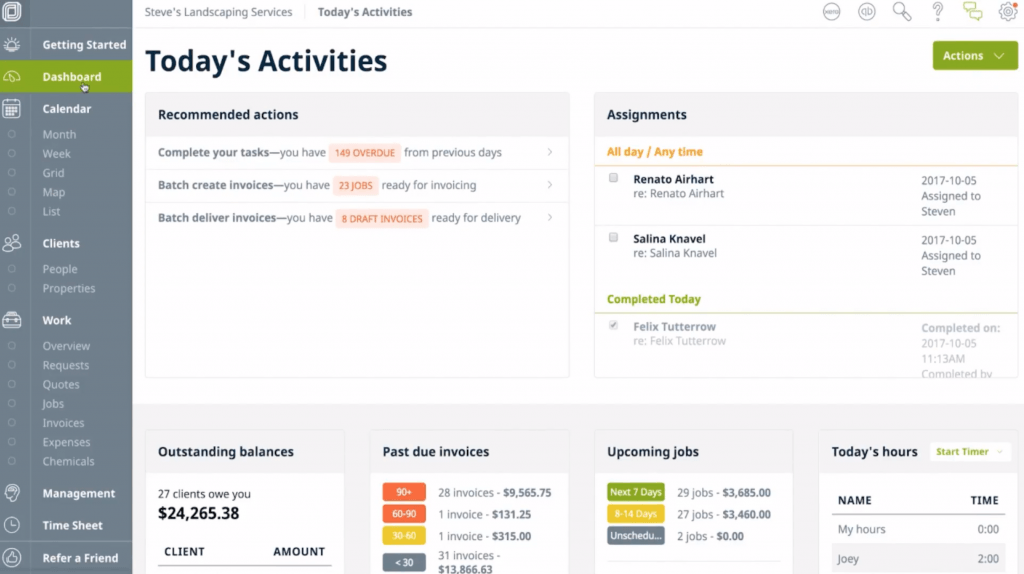
Jobber provides a Dashboard for users - a place they can see all their outstanding invoices and upcoming appointments. This makes it easy for users to keep track of what they need to do next.
Industry Education
Working with a CRM that has industry experience can be beneficial. If you need specific processes built out, they may have recommendations based on other companies in your industry or your size.
Look to see if your CRM has a blog like ImproveIt 360 or product training like JobProgress.